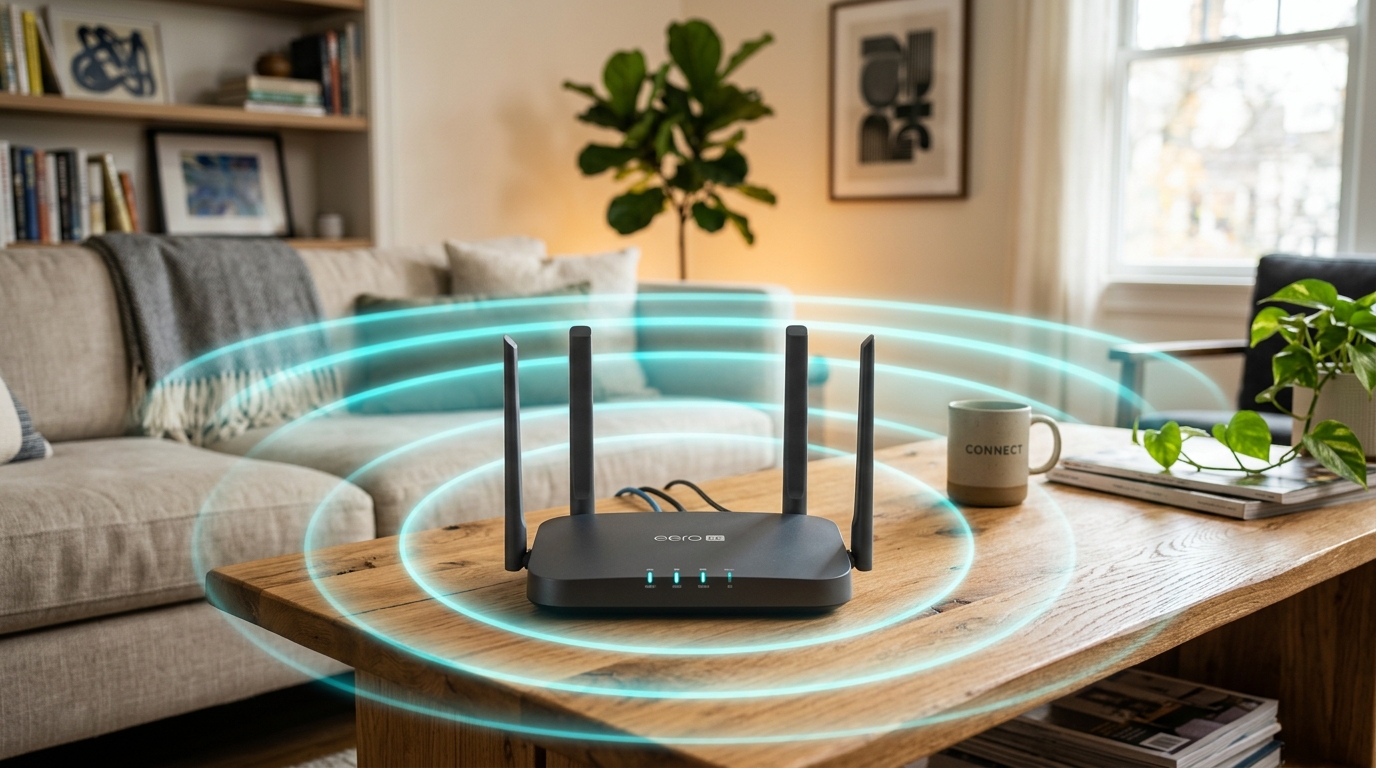
In modern homes and offices, Wi-Fi is as essential as electricity. However, we often encounter “dead zones”—areas where the signal drops completely or slows to a crawl. Before you go out and buy expensive equipment, there are several simple strategies you can try to improve your signal.
1. Place Your Router Centrally and High Up
Wi-Fi signals travel outwards and downwards. If your router is tucked away in a cupboard, under a desk, or near a brick wall, much of the signal is being absorbed. Position your router in a central, elevated location with clear line-of-sight to the main areas where you use your devices.
2. Understand the Difference: 2.4 GHz vs. 5 GHz
Most modern routers are dual-band, meaning they broadcast two separate networks:
- 2.4 GHz Band: Slower speeds, but excellent range and ability to pass through walls. Use this for devices further away.
- 5 GHz Band: Ultra-fast speeds, but poor range and difficulty passing through solid walls. Use this for devices close to the router.
3. Upgrade to a Mesh Wi-Fi System
If you live in a larger home or have thick concrete walls, a single router might not be enough. While traditional Wi-Fi extenders can help, they often create a separate network name and cut your bandwidth in half. A Mesh Wi-Fi system uses multiple nodes to create a single, seamless, high-speed network throughout your entire property.
Need Professional Wi-Fi Setup?
We specialize in mapping signal coverage, configuring secure networks, and installing robust mesh systems to banish dead zones forever.
Book On-Site Setup